

SAP ECC Sandbox
Your test system in the cloud
Learn, test, and develop in a fully configured ECC6.0system (EhP8 on HANA)
with all core modules and realistic IDES sample data
Available as a public user, private tenant, or dedicated server
Fully licensed, ready to go in just a few days
Why Use an SAP ECC Sandbox?
Use Cases
-
![]()
Development & Customization
Testing SAP process customizations, enhancements, and custom developments
-
![]()
Testing Interfaces
Check for integration with third-party applications
-
![]()
Education & Training
Practical Training for SAP Users
-
![]()
Migration Tests
Preparations for the Migration from SAP ECC to S/4HANA
-
![]()
Prototyping & Innovation Projects
Simulate New Business Processes


SAP ECC Sandbox Systems
What is the difference between a public user, a client, and a server?
Which processes can be tested?
Users can simulate complete end-to-end processes in the sandbox, including:
Record-to-Report (RTR)
, Financial Reporting, and Financial Statement Preparation Processes
Plan-to-Product (PTP)
: From Production Planning to Completion
Procure-to-Pay (P2P)
Purchasing, Invoice Processing, Payment
Order-to-Cash (OTC)
From Order to Payment
Hire-to-Retire (HTR)
End-to-End HR Processes
Which modules are included in the ECC Sandbox?
SAP FI/CO - Finanzwesen & Controlling
SAP SD - Sales & Distribution
SAP MM - Materials Management
SAP PM - Plant Maintenance = Instandhaltung
SAP WM - Warehouse Management
SAP BW - Business Warehousing
SAP QM - Qualitätsmanagement
SAP PS - Projektsystem
SAP PP - Produktionsplanung
SAP LO - Logistik allgemein
SAP RE FX - Flexible Real Estate Management
SAP TR - Treasury
SAP IM - Investment Management
SAP CS - Customer Service = Kundenservice
SAP LE - Logistics Execution = Lagerverwaltung, Versand & Transport
SAP CRM - Customer Relationship Management
SAP SRM - Supplier Relationship Management = Supplier Management
SAP EHS - Environment, Health & Safety = Hazardous Materials Management
SAP PLM - Product Lifecycle Management = Product Development & Management
SAP SCM - Supply Chain Management
SAP APO - Advanced Planning & Optimization
SAP HCM - Human Capital Management
SAP ESS - Employee Self-Services
SAP MSS - Manager Self-Services
SAP WF - Workflow = Workflow
SAP ECM - Enterprise Content Management
SAP MII - SAP Manufacturing Integration & Intelligence = Manufacturing Integration
What makes our products special?
Easy " Access " to SAP Systems for Everyone
Flexible rental plans for businesses, freelancers, universities, and individuals—with no complicated setup required.

Try It Risk-Free with a Trial and Money-Back Guarantee
Request afreetrialand try SAP with no obligation—witha 10-day money-back guaranteeif you're not satisfied.

Preconfigured SAP systems with sample data
Preconfigured ECC systems with realistic IDES sample data.

Exclusive SAP Training Through the MMC Partnership
Access Premium training coursesand learning paths through our partnership withMichael Management Corporation.

Simple Billing & Flexible Payment Options
Simple and hassle-free processing: Pay by invoice or credit card—ideal for businesses and individuals.

Fast Deployment & Personalized Support
Immediate system accessanddirect supportfrom dedicated contacts for customized solutions.

What is the difference between ECC and S/4HANA?
SAP S/4HANA
SAP S/4HANA is SAP's modern ERP platform, which is based on the SAP HANA in-memory database and supports companies in their digital transformation through real-time data processing, streamlined processes, and a user-friendly interface.
Database: SAP HANA (in-memory) only
SAP Fiori User Interface
Data Model: Simplified Table Structure
Speed: Real-Time Data Analysis
Automation: AI & Machine Learning
Deployment Models: Cloud, On-Premises, or Hybrid
Long-Term Support
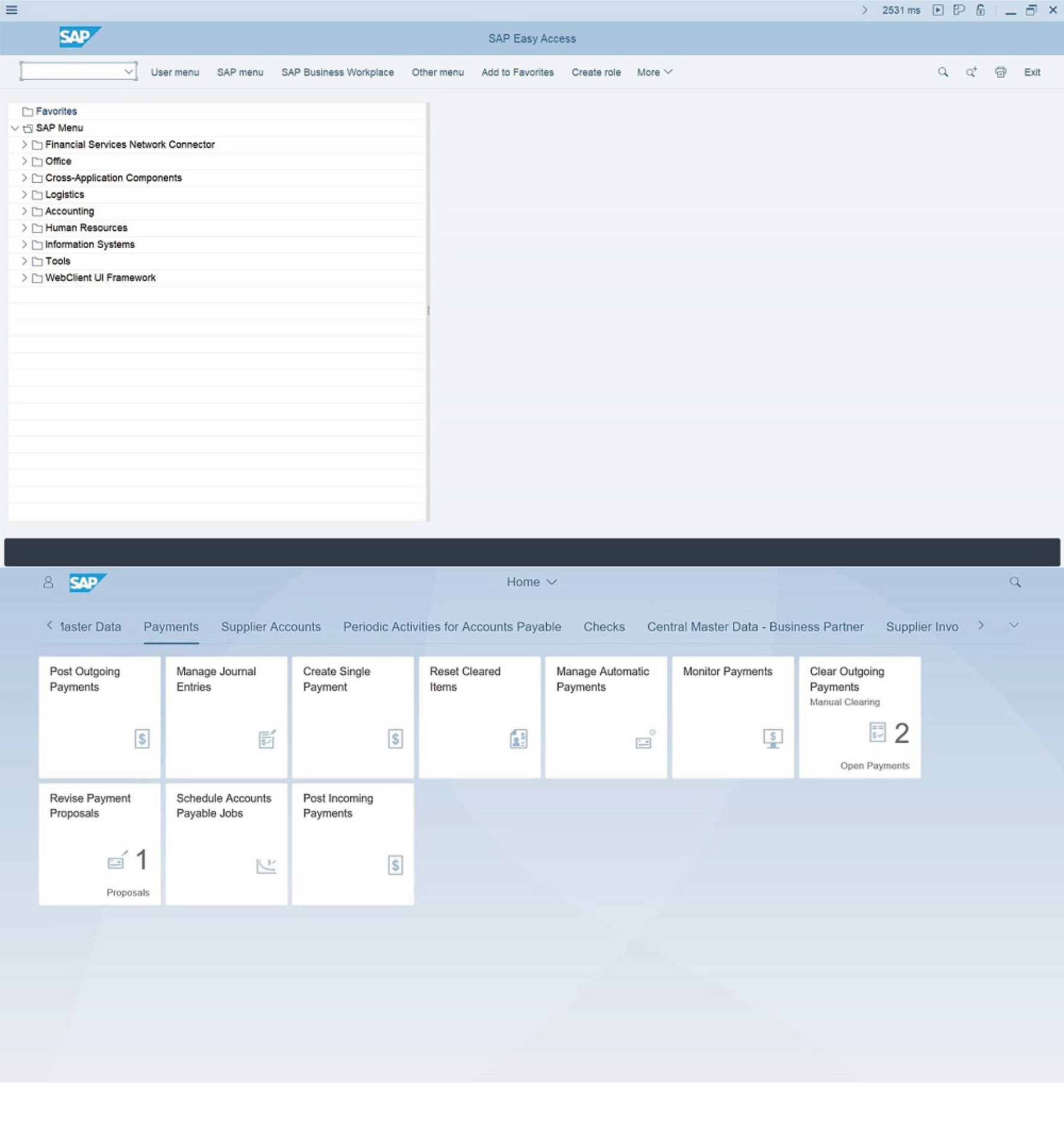
SAP ECC
SAP ECC (ERP Central Component) is a comprehensive, modular ERP system from SAP that helps companies manage and integrate core business processes such as finance, logistics, human resources, and production.
Various databases are supported (Oracle, MS SQL, etc.)
User Interface: SAP GUI (traditional, less intuitive)
Data Model: More Complex Tables with Redundancies
Speed: Batch-based processing
Automation: Limited Automation Capabilities
Operating Models: On-Premises as the Standard
Support: Maintenance ends in 2027 (extended to 2030 at an additional cost)
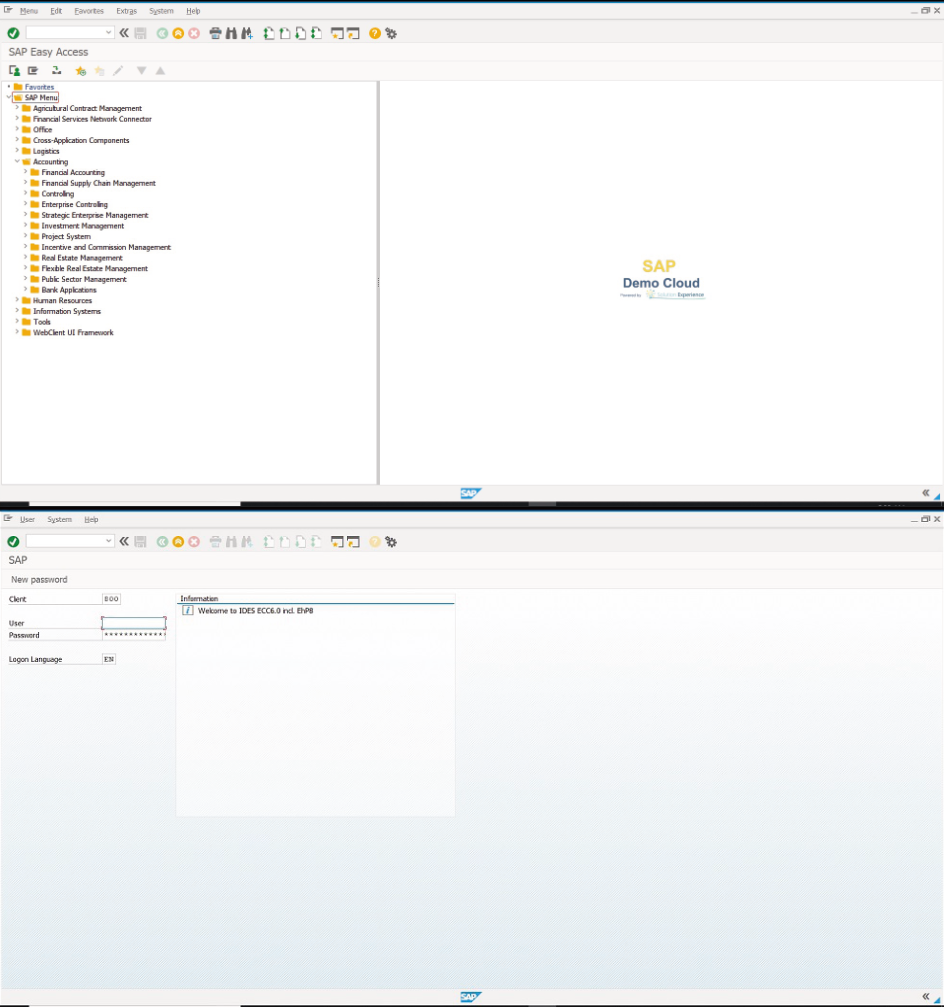
How much longer will SAP ECC be supported?
SAP has announced that it will continue to offer regular support for SAP ECC only through 2027. After that, there will be no new features or comprehensive security updates.
For companies, this means:
A timely migration to SAP S/4HANA is recommended in order to benefit from modern technology, long-term support, and future-proof innovations.
Who are our SAP systems suitable for?
Educational Institutions
Universities & Colleges
Vocational & Technical Schools
Research Institutions
Our Solutions for Your Success with SAP
Discover our flexible offerings for Access, training, and valuable insights at
—everything you need for your SAP development.
Access
Quick access to ready-to-use SAP systems—for training, testing, or product development

Training Sessions
Take advantage of over 900 online courses and technical books to take your SAP skills to the next level.
Knowledge
Take advantage of practical knowledge, tips, and insights from experts—through our partnership with MMC and many others.
Answers to Frequently Asked Questions
-
Yes. With theABAP option, you receive adeveloper keyand full access to theABAP Workbench (SE80)for your own programs, reports, and extensions (a small additional fee applies for the developer ID, as SAP charges for it). You’ll haveextensive permissionsfor all module and Customizing transactions—with the exception of user and Basis/system administration. You’ll receivefull admin/Basis rightson a private server.
-
Access is via the Internet using the freeSAP GUI(version 7 or higher). On aMac, use theSAP Java GUI; on mobile devices (iPhone/iPad), use theSAP Fiori Client. The systems are multilingual (German, English, Spanish, French—selectable on the login screen). If you do not yet have the SAP GUI, you will receive a download link and instructions via email.(In corporate networks, SAP router port 3299 may need to be enabled.)
-
Screenshots and videos for internaltraining and commercial purposesare permitted in our corporate accounts.
-
In aprivate Access(your own tenant or dedicated server), your configurations, master data, and developments arepreserved for the entire duration of your subscription—no one else can access or overwrite them. ThePublic Useris a shared system used by multiple users and is reset regularly; for permanently protected, proprietary data, we recommend a private Access.
-
That depends on the access type: Transports are not possible onshared public accesses. In aprivate tenant,configuration transports may be possible (subject to review), butABAP transports are not, since ABAP objects have server-wide effects. On adedicated private server, you can import/export any transports and work with full privileges. To use yourown namespace, you need your ownSAP S-user.